
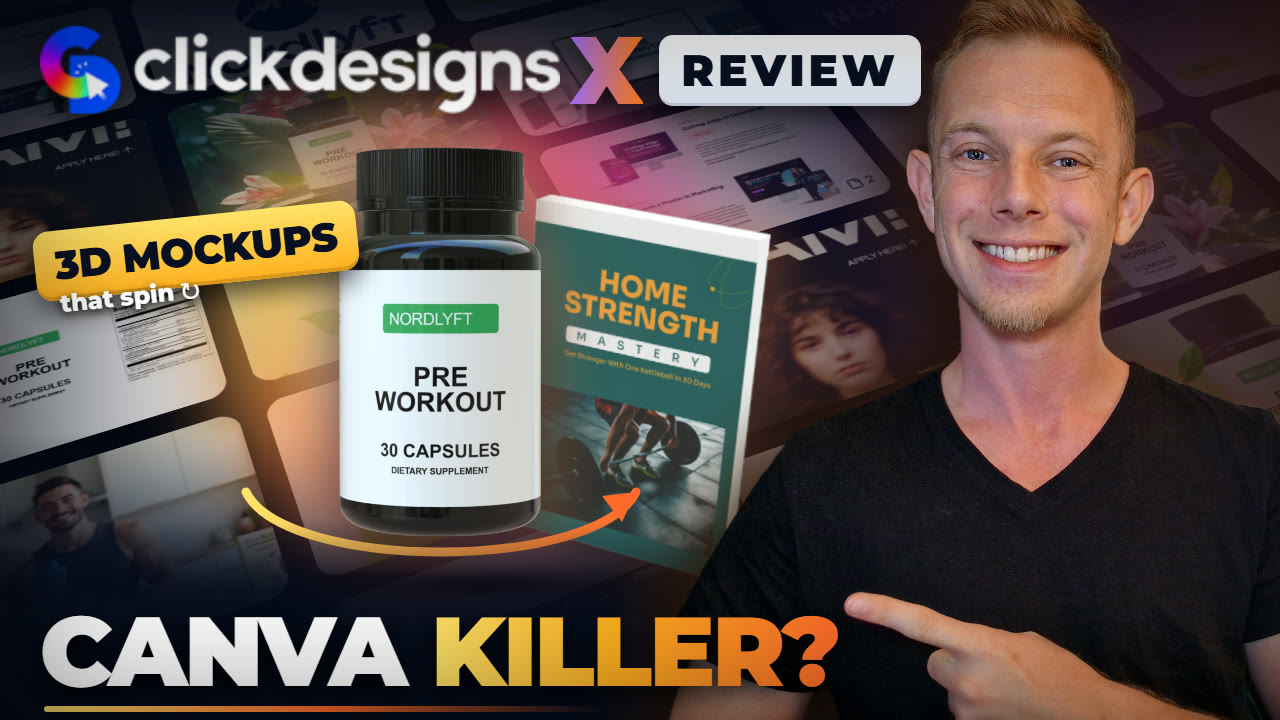
Hands-on review + bonuses
ClickDesigns X Review: The Canva Replacement For Sellers + Bonuses
Every graphic a product needs, from the logo and the label to 3D product shots, sales page graphics, store listing images, social posts and ads, in one app with a template for each.
4.8 / 5 my rating · product by Mo Latif
 Get ClickDesigns X + My 12 Bonuses →
$37 one time during the launch, 30-day money-back guarantee
Want every upgrade? Get the Bundle for $397 →In short
ClickDesigns X in short
14categories
Logos, packaging, covers, funnels, stores, socials, ads, print and more1000stemplates
Covers, boxes, laptops, phones, pill bottles and more, according to the vendor34K+users
Over 34,000 users in 135 countries, according to the vendor4.8stars
Average rating from 6,898 reviews, according to the vendorWorth it if you sell a product, digital or physical, and want every graphic for it from one app.
Skip it if you mostly design long documents or presentations. That is still a job for Canva.
My Verdict for ClickDesigns X
ClickDesigns X bonus package
12 bonuses to sell what you design
Buy ClickDesigns X through my link and my ClickDesigns X bonus package is yours: five AI apps from the ClickDesigns team and seven of my own guides, with access on your JVZoo receipt right after purchase.
Bonus 1Bonus App
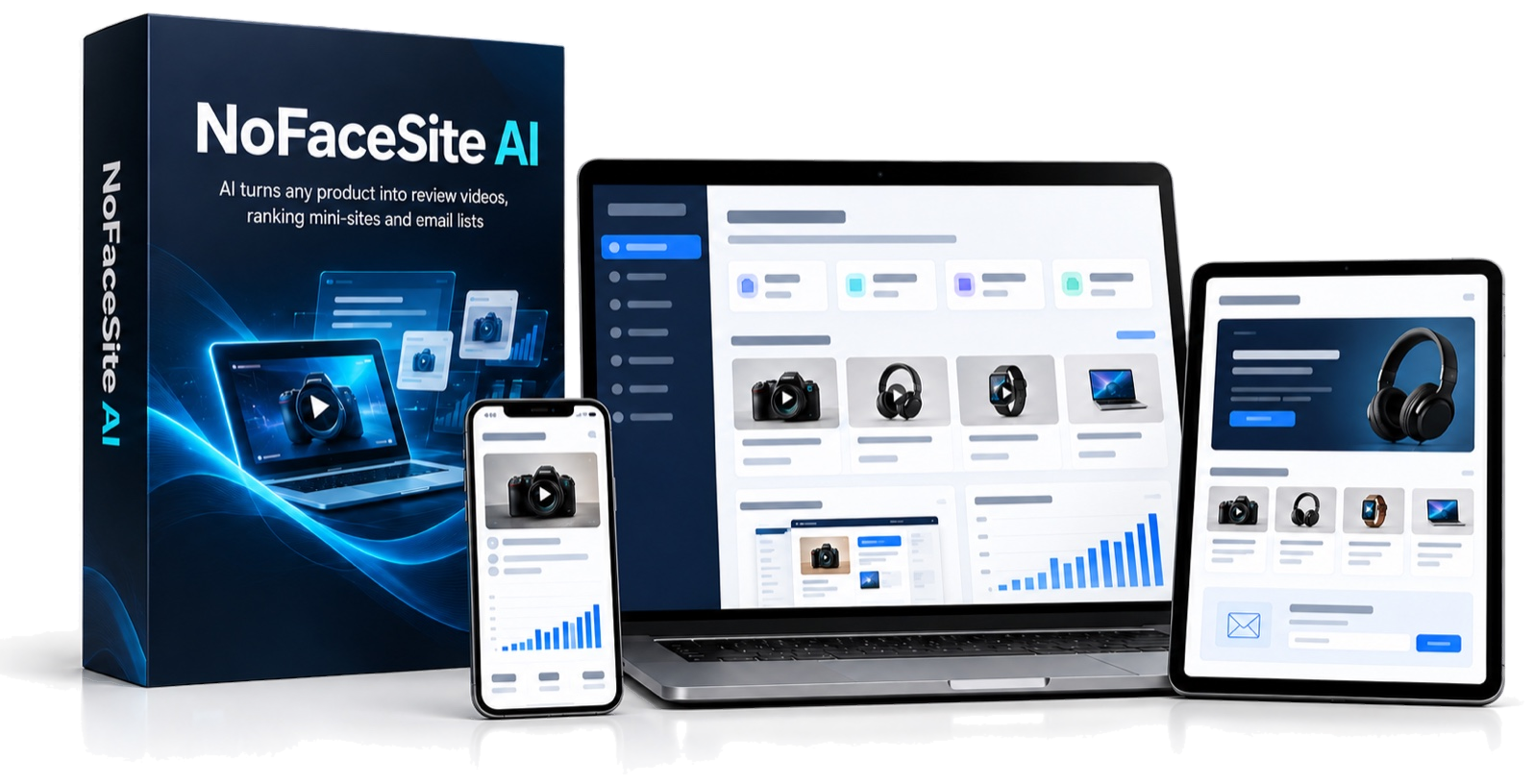
NoFaceSite AI
Paste a product link or name a niche and it builds an affiliate mini-site and a faceless two-voice review video. A place to use the covers and product shots you design.
$197 value
Bonus 2Bonus App
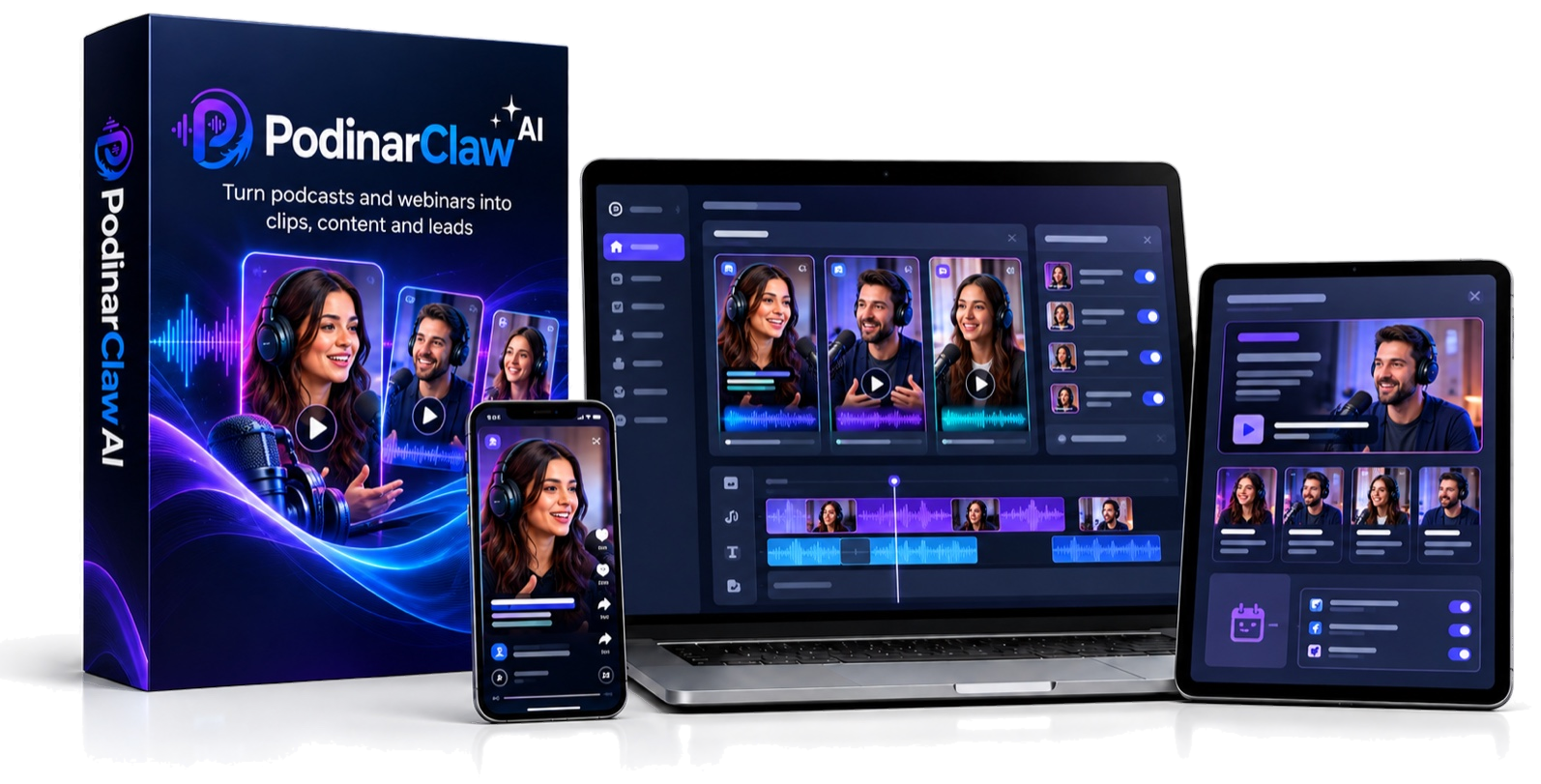
PodinarClaw AI
Turns a podcast or webinar recording into 10 to 30 vertical clips with captions, dubbing in 20+ languages and a lead page for each clip.
$197 value
Bonus 3Bonus App
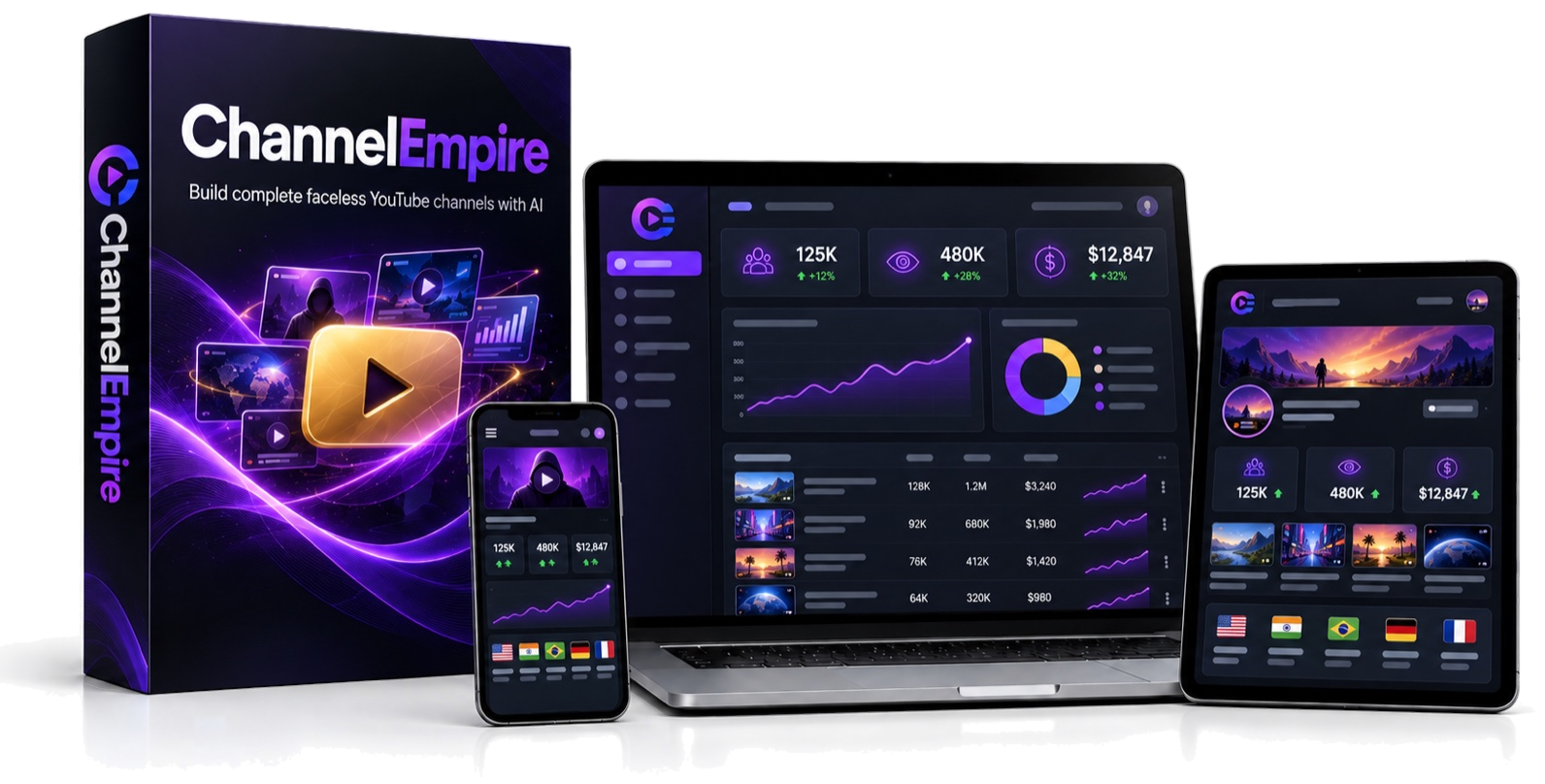
ChannelEmpire AI
Plans a faceless YouTube channel from one idea: 30 videos with scripts, voices and thumbnails, as long videos and Shorts, in 20+ languages.
$197 value
Bonus 4Bonus App
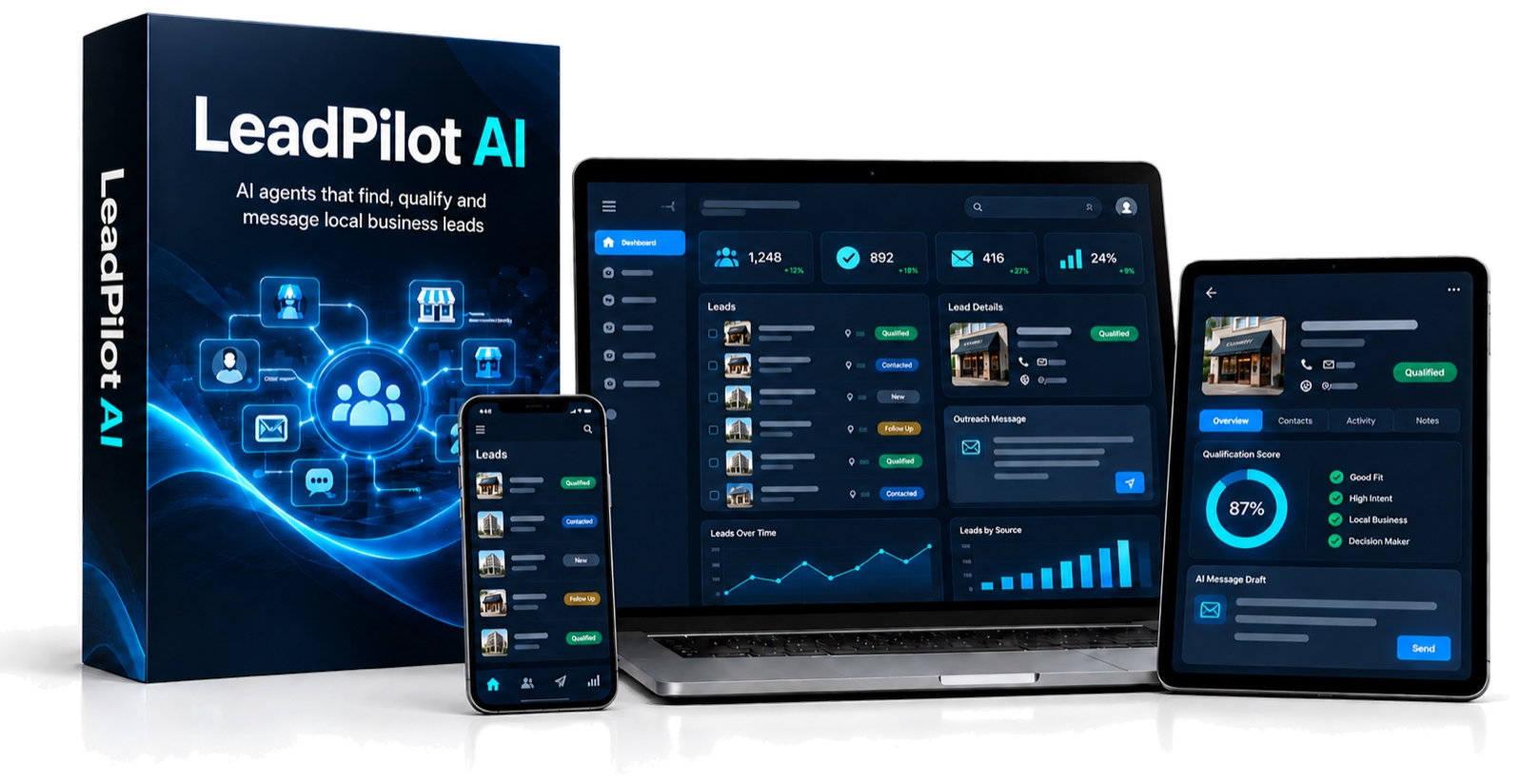
LeadPilot AI
Type who you want, like dentists in Chicago, and it finds the businesses with contact details, a fit score and a personal pitch. Clients for your design work.
$197 value
Bonus 5Bonus App
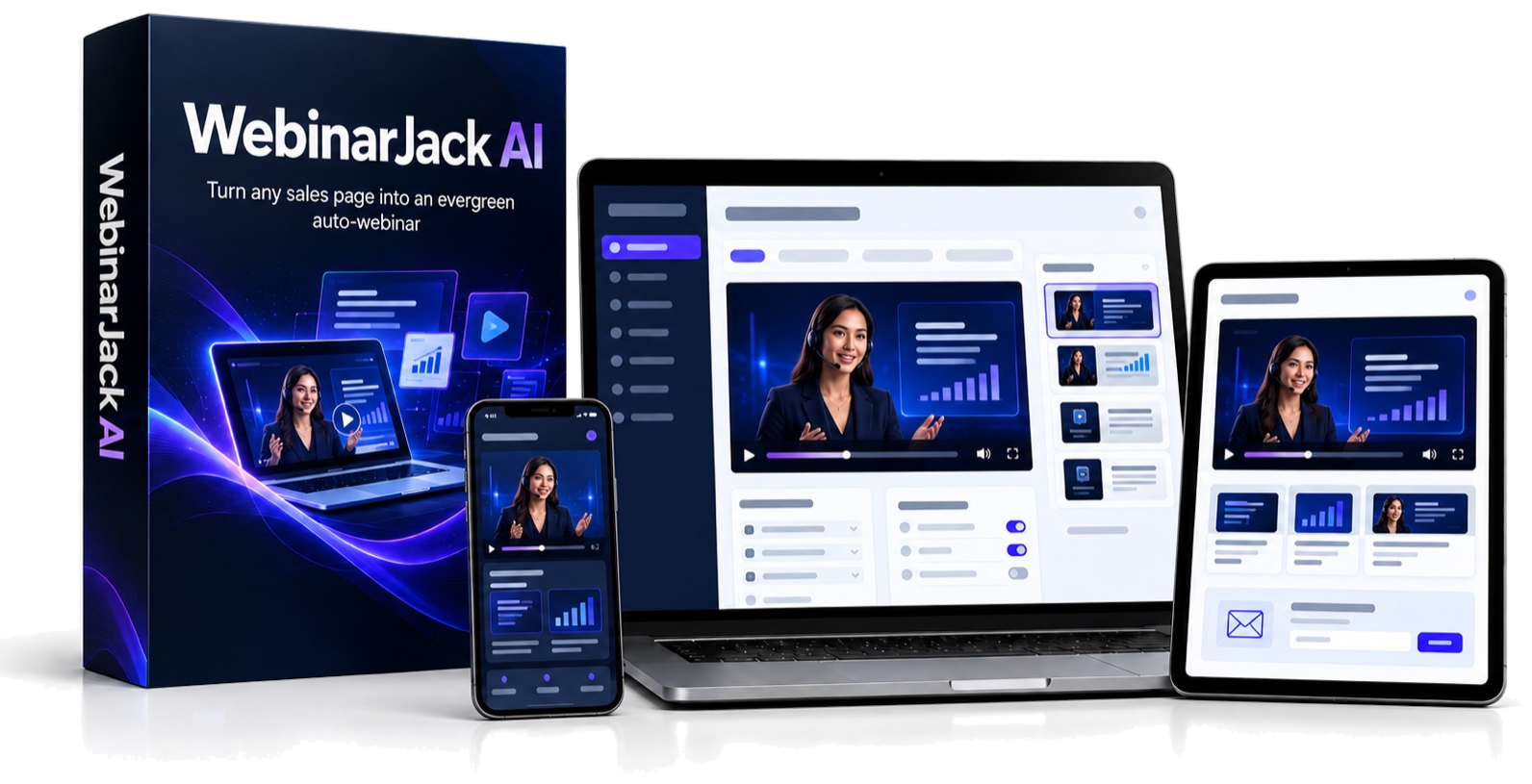
WebinarJack AI
Paste a sales page link and it writes the webinar script, builds the slides, adds the voiceover and hosts the webinar page with your buy button.
$197 value
Bonus 6
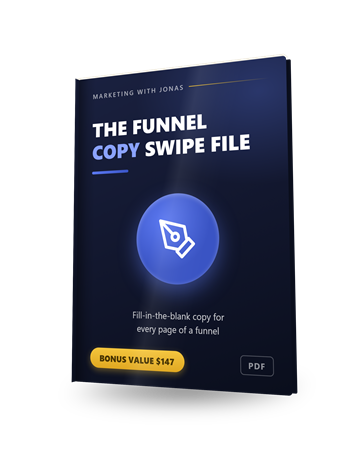
The Funnel Copy Swipe File
Fill-in-the-blank copy for every page of a funnel. The words for the headlines, bonus boxes and order stacks you design in the Funnels category.
$147 value
Bonus 7
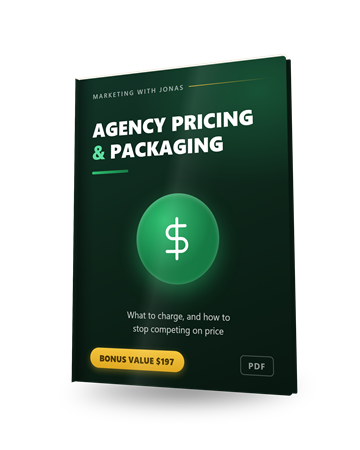
Agency Pricing & Packaging Guide (PDF)
Three service packages with price bands, answers to the four objections and a one-page proposal. Use it to price logo, product shot and social graphics work for clients.
$197 value
Bonus 8
Local Client Outreach Pack (PDF)
Cold-email follow-ups, DM and walk-in scripts and objection answers for landing local clients. LeadPilot AI finds the businesses, these are the messages.
$97 value
Bonus 9
Your First 30 Listings Plan
A week by week plan for your first month of listings: first niche, second and third niche, seasonal listings, then double down on what sells. Pairs with the Stores templates.
$67 value
Bonus 10
Pricing Your Printables
What to charge, how to build a price ladder, and when to bundle, discount or raise a price.
$47 value
Bonus 11
The Printables Niche Playbook
The 4-point niche check and 10 niches to test first, for the planners, labels and printables you design in the Print category.
$97 value
Bonus 12
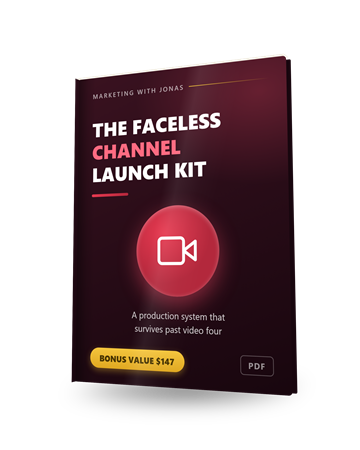
The Faceless Channel Launch Kit
Which niches suit a faceless channel, the script skeleton that holds retention and how to keep the show consistent. Pairs with ChannelEmpire AI and the Thumbnails templates.
$147 value
Pricing and upgrades
Start at $37, or get everything in the Bundle.
Front EndStart here
ClickDesigns X
$37one-time
- The ClickDesigns X design app
- Templates and the point-and-click editor
- Runs in your browser, nothing to install
- Commercial License
- One-time price during the launch
- 30-day money-back guarantee
BundleEverything
ClickDesigns X Bundle
$397one-time
- The front end plus all five upgrades
- One payment, no monthly fees
- Coupon CDX100 takes $100 off: $297
Optional upgrades
Upgrade 1
ClickDesigns X Maximizer
$97one-time
- Unlimited projects, designs and downloads
- 10,000+ premium templates
- Cosmetic and supplement product range
- Print-ready output and book publishing
Upgrade 2
ClickSocials X
$77one-time
- 2,000+ social templates in 44 sizes
- Content planner and calendar
- Scheduling and posting to your social networks
- AI Social Writer
Upgrade 3
3D Design Studio X
$97one-time
- 360 degree product views and camera controls
- Product videos and looping GIF mockups
- Live 3D links and embeds
- Full HD export
Upgrade 4
ClickDesigns X Agency
$197one-time
- Agency License with team access
- Client and project management
- Brand kits, custom fonts and watermarking
- Chrome and WordPress extensions
Upgrade 5
ClickDesigns AI Turbo
$67one-time
- AI ads from an idea or a URL
- Ad variations and split-test versions
- 12 platform size presets
- AI headline and call-to-action writer
My honest read on the funnel. If you need graphics for one product, start with the $37 front end. If you want the full toolset I show in the video, the Bundle is my pick: one payment for the front end and every upgrade, and coupon CDX100 brings it to $297. That is less than the five upgrades cost one by one.
Read the full written review
What ClickDesigns X is, in one sentence
ClickDesigns X is a point-and-click design app built for people who sell things: it has a template for every graphic a product needs, from the logo to the label, the 3D product shot, the sales page, the store listing, the social posts and the ads.
Think of it as a Canva replacement for sellers. So for this ClickDesigns X review I made up a fitness brand called Nordlyft and built its graphics inside the app, timing each step.
Who this is for
You sell a product, or you make graphics for people who do, and you want all of it to come from one app.
Anyone selling a product online
Digital or physical. Logo, label, product shots, store listing images and ads that all match.
Affiliates and product launchers
Covers, bundles, bonus boxes, order stacks and guarantee graphics for bonus pages and funnels.
Freelancers and agencies
The vendor includes a Commercial License, so logos, product shots and social packs can be paid client work.
Who should skip it: if you mostly design long documents or presentations, that is still a job for Canva. And if you want AI to invent a whole design from a prompt with no template, this is not that kind of tool.
How To Use ClickDesigns X, step by step
Step 1: Make the logo
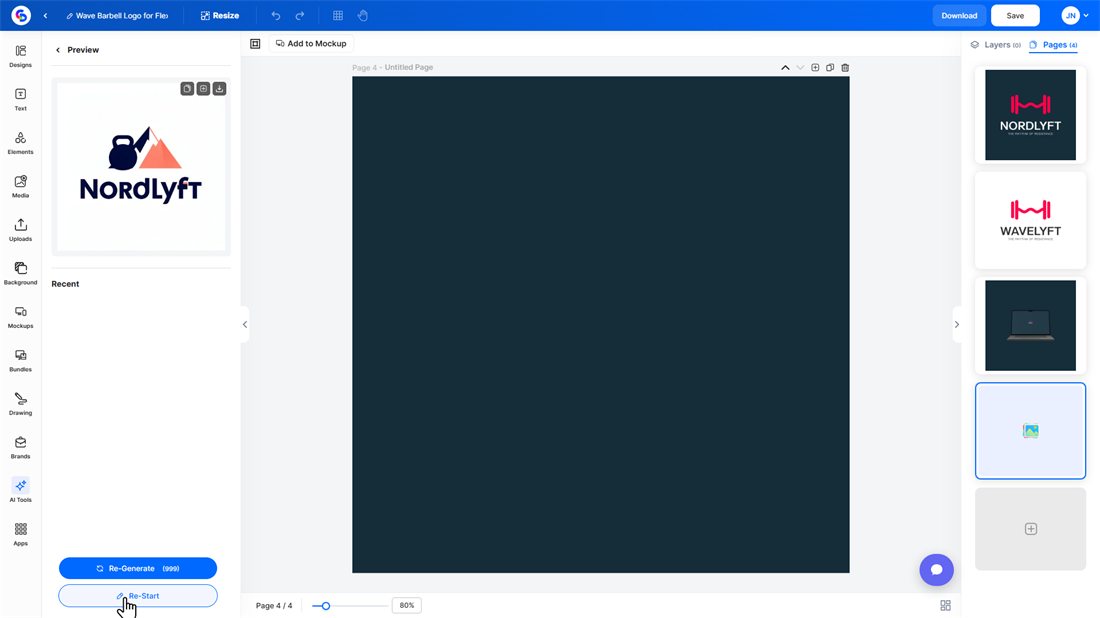
I opened a logo template and retyped the name straight on the canvas. Then I tried the AI Logo Maker: brand name, one sentence and the Minimalist style gave me a clean kettlebell and mountain logo with the name spelled right, for 1 credit.
Step 2: Put it on a product
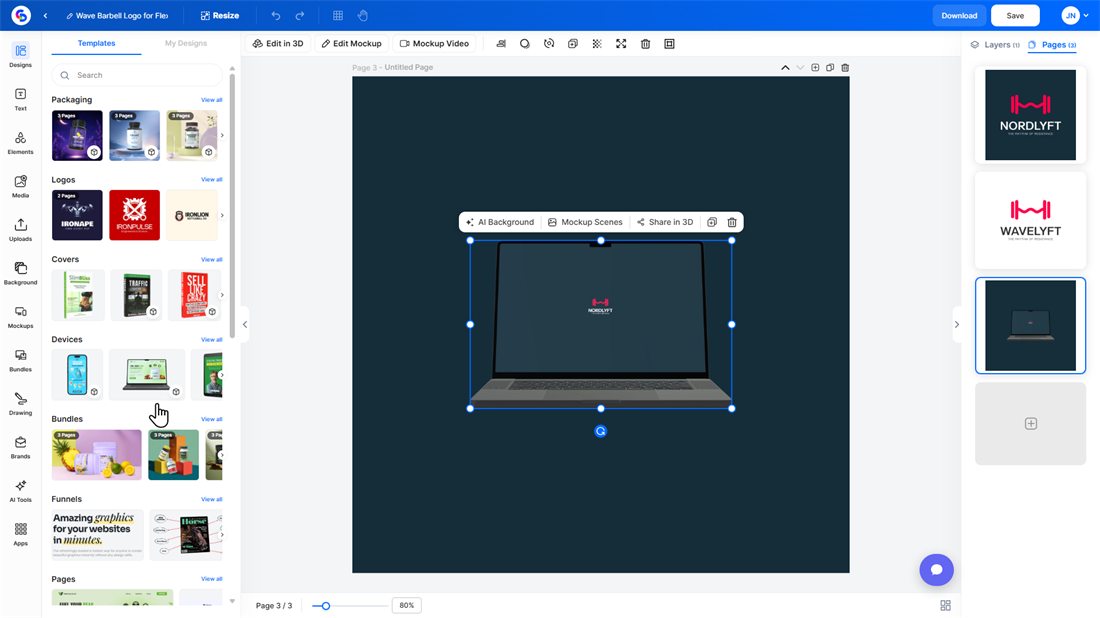
One click on Add to Mockup put the logo on a 3D laptop in about 25 seconds. The same button works for phones, books, boxes and bottles.
Step 3: Build the product shots
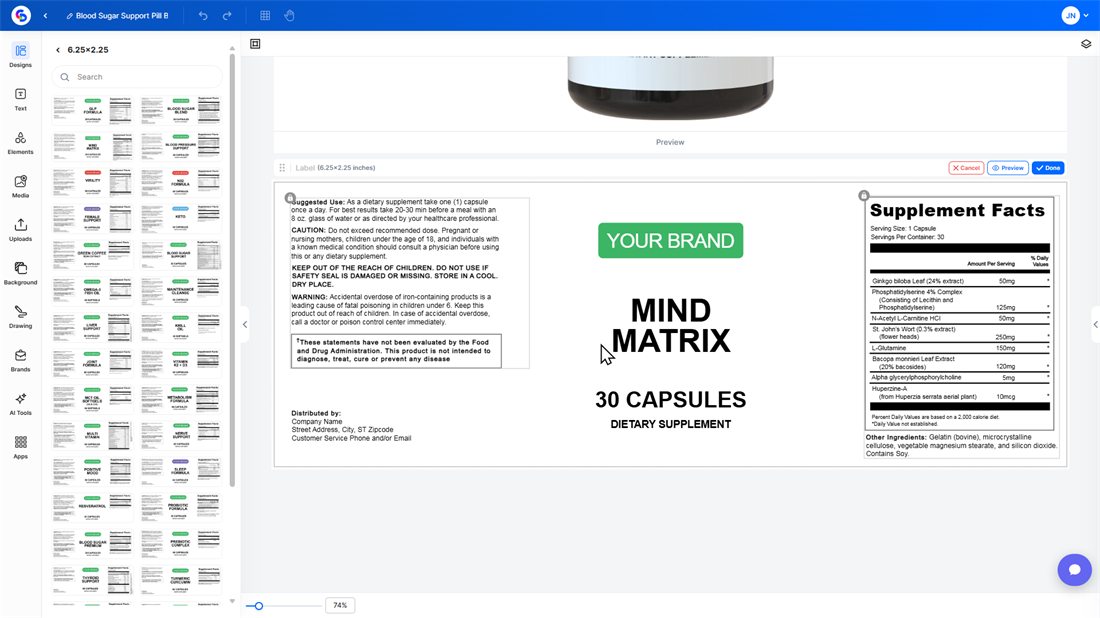
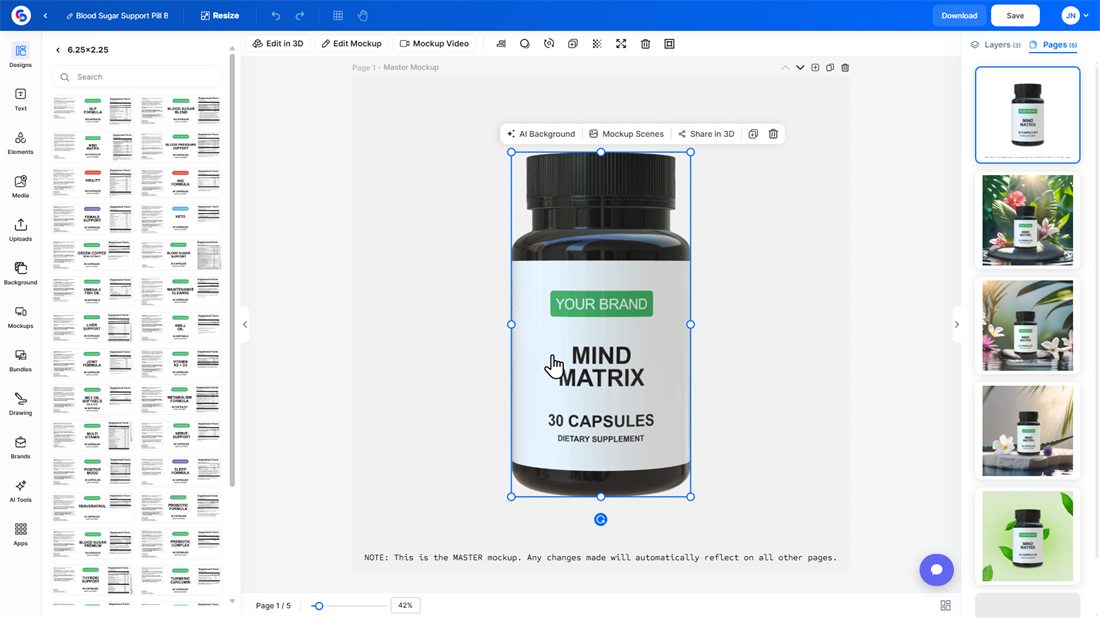
This is the part I liked most. A Smart AI Mockup has one master page plus four lifestyle scenes. I swapped the label on the master, from more than 40 supplement label templates, and all four scenes updated by themselves in about a minute. Your product looks the same in every picture.
Step 4: Turn it, film it, share it
Edit in 3D lets you rotate the product and change the material, light and shadow. Mockup Video makes a 4-second clip from 3 animations, and Share in 3D gives you a public link and an embed code for a viewer people can spin.
Step 5: Resize and export
Resize has presets for every social, print and web size, with a duplicate and resize option. Export is JPEG, PNG, WebP or PDF at 72, 96 or 300 DPI. My JPEG arrived in about 15 seconds.
What else is in it
There are 14 template categories:
- Product: Packaging, Logos, Covers, Devices, Bundles
- Selling: Funnels (headlines, bonus boxes, order stacks, guarantees, pricing tables), Pages, Stores (Shopify, Etsy, Amazon, eBay, Fiverr, Upwork)
- Promotion: Socials, Thumbnails, Marketing
- Print: Print (labels, business cards, flyers, menus) and Publishing (book covers with spine)
The editor has text styles, elements, stock media, brand kits, layers and multi-page designs. The AI tools include a background remover, generative fill, text to image, image expand and a 4x upscaler. AI Generate makes ads and social posts from a topic or a website URL in 13 sizes per template, and the Scheduler is a content calendar with an AI post planner.
What I measured
| Action | Result |
|---|---|
| AI Logo Maker | 1 credit per logo |
| Add to Mockup (logo on a 3D laptop) | about 25 seconds |
| Smart AI Mockup, label swap on the master | 4 scenes updated in about 1 minute |
| Label templates for the supplement bottle | 40+ |
| Mockup Video | 4-second clip, 3 animations |
| AI Generate | 13 sizes per template |
| Export as JPEG | about 15 seconds |
My account came with 1,000 AI credits a month.
5 Steps To A Brand That Looks Real With ClickDesigns X
1. Make the logo
Retype a logo template on the canvas, or let the AI Logo Maker draw one from the brand name for 1 credit.
2. Put it on a product
Add to Mockup placed my logo on a 3D laptop in about 25 seconds.
3. Build the product shots
Swap the label on the master mockup and all 4 lifestyle scenes update by themselves.
4. Turn, film and share
Rotate the product in 3D, make a 4-second mockup video and share a 3D link people can spin.
5. Resize and export
Presets for every social, print and web size. Export as JPEG, PNG, WebP or PDF at up to 300 DPI.
Key Features & My Honest Take
- 14 template categoriesThe reason to buy it. Funnels and Stores are categories Canva does not have.
- Smart AI MockupsChange the master once and every scene follows. The best time saver in the app.
- Edit in 3D, Mockup Video and Share in 3DReal 3D you can rotate, light and share. The video clips are short, 4 seconds each.
- AI Logo MakerA clean, correctly spelled logo for 1 credit. Give it a clear one-sentence brief.
- Print-ready labelsFlat labels with a supplement facts panel and barcode. Check the wording against your own supplier before you print.
- Funnel and store graphicsHeadlines, bonus boxes, order stacks and listing images, ready to edit. Only show a guarantee or badge you really offer.
- AI Generate and SchedulerAds and social posts from a topic or a website URL in 13 sizes, plus a content calendar.
- Resize and exportEvery common size, and export up to 300 DPI as JPEG, PNG, WebP or PDF.
Pros
- One app for every graphic a product needs, from the logo to the ads.
- Your product stays the same in every picture, because the scenes follow the master mockup.
- Real 3D: rotate it, light it, make a short video and share a link people can spin.
- Templates for funnels and store listings, not only social posts.
- Print-ready output up to 300 DPI.
- One-time price during the launch, with a 30-day money-back guarantee.
Cons
- It is built on templates. It does not invent a full design from a prompt.
- Long documents and presentations are not what it is made for.
- Some of the tools I show need an upgrade or the Bundle. The pricing section lists which upgrade adds what.
Pricing details
The front end is ClickDesigns X at $37 one time during the launch, with a Commercial License and a 30-day money-back guarantee. The launch runs until October 19. After that the vendor says it moves to a monthly subscription.
There are five optional upgrades. The Bundle is the front end plus all five for $397 one time, and coupon CDX100 takes $100 off, so you pay $297. Bought one by one, the six products add up to $572.
FAQ
What is the verdict of this ClickDesigns X review?
Worth it if you sell a product, digital or physical, and want every graphic for it from one app. I built a logo, a 3D laptop mockup and a set of matching product scenes for a made-up brand in one sitting.
Is ClickDesigns X a Canva replacement?
For selling, yes. It has templates Canva does not have, like funnel graphics, store listing images and 3D product mockups. For long documents and presentations I would still use Canva.
Do I need design skills?
No. You pick a template and change the text, colours and images by clicking on them.
Can I use the designs for clients?
Yes. The vendor includes a Commercial License with the front end.
What happens after the launch?
The cart closes on October 19. After that the vendor says ClickDesigns X moves to a monthly subscription.
Is there a refund policy?
Yes, a 30-day money-back guarantee.
How do I get the ClickDesigns X bonuses?
Buy ClickDesigns X through the link on this page and the bonus access is on your JVZoo receipt right after purchase.
Last updated

Jonas Nielsen
Marketing software reviewer
I've tested 100+ marketing tools hands-on and publish full demos and honest verdicts on YouTube, where 4,800+ people follow along. I only recommend software I've actually logged into and used myself.