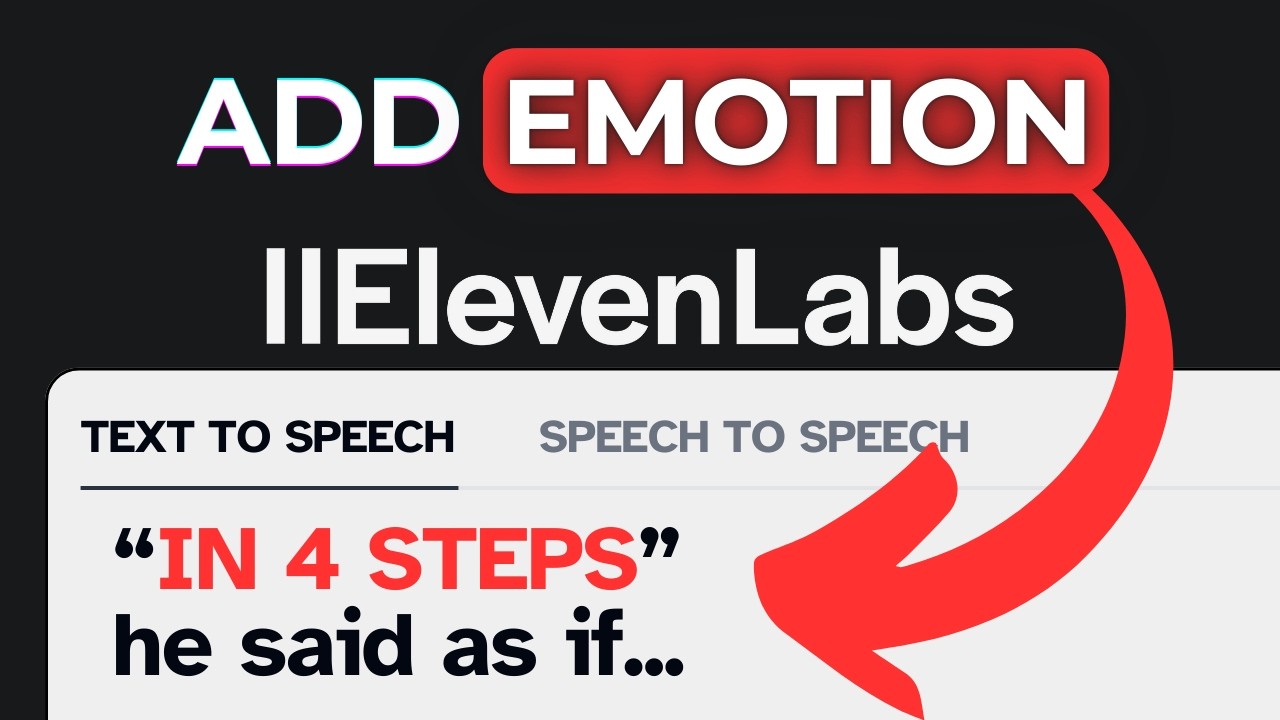
Hands-on review + bonuses
ElevenLabs Review
The AI voice tool behind some of the most realistic text-to-speech and voice cloning online.
4.7 / 5 my rating · product by Mati Staniszewski & Piotr Dąbkowski
 Get ElevenLabs + My 2 Bonuses →
My Verdict for ElevenLabs
ElevenLabs bonus package
Free Bonuses When You Get ElevenLabs Here
Buy ElevenLabs through my link and you'll automatically get these free bonuses on your receipt.
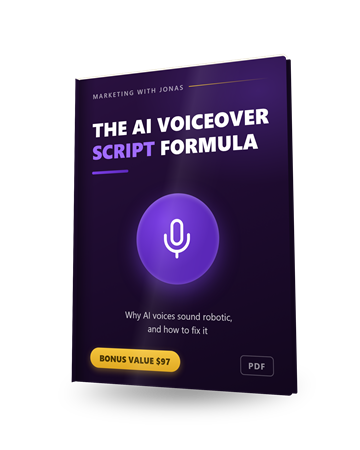
Bonus 1
The AI Voiceover Script Formula
Why AI voices sound robotic and the exact script edits that fix it: punctuation as timing, phonetic numbers, emphasis by word order, and the settings to match each content type.
$97 value
Bonus 2
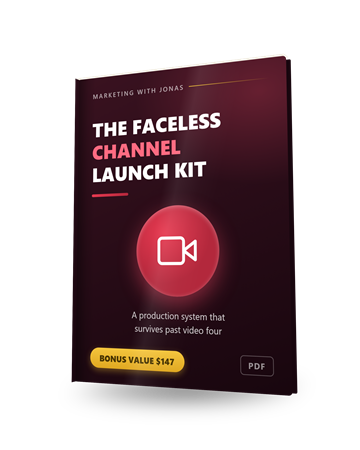
The Faceless Channel Launch Kit
A production system for running a video channel on an AI voice: which niches suit the format, the retention-holding script skeleton, visual sourcing, and voice consistency across episodes.
$147 value
Pricing
ElevenLabs pricing
Free
Free
$0/month
- 10,000 credits per month
- Text-to-speech, sound effects & voice design
- Great for testing the real quality
- Personal/non-commercial use
- No credit card needed
Starter
Starter
$6/month
- 30,000 credits per month
- Commercial-use license
- Instant voice cloning
- Dubbing studio
Most Popular
Creator
$22/month (50% off 1st mo)
- 100,000+ credits per month
- Professional voice cloning
- Higher-quality audio output
- The sweet spot for regular creators
Pro
Pro
$99/month
- 500,000+ credits per month
- Highest-quality audio + API extras
- Best for high-volume production
- Everything in Creator
My take: start on the free plan and actually listen to the output. It sells itself. Move to Starter ($6) the moment you need a commercial license or voice cloning. For most creators making regular content, Creator ($22, and half price your first month) is the sweet spot on credits and quality. Only go Pro if you're producing audio at real volume.
Read the full written review
What is ElevenLabs?
ElevenLabs is an AI audio platform best known for producing some of the most realistic, expressive text-to-speech voices available anywhere. You type or paste a script, pick a voice, and it generates natural-sounding speech in 70+ languages. But it's grown well beyond text-to-speech: it also does instant and professional voice cloning, video dubbing that preserves emotion across languages, sound effects, speech-to-text (Scribe), music generation, and even conversational AI voice agents.
I've tested a lot of AI voice tools, and honestly, most still sound like robots reading a phone book. ElevenLabs is the one that made me do a double-take. The pauses, emphasis and emotion are close enough to human that listeners often can't tell. For anyone making content at scale, that's a genuine unfair advantage.
Who it's for
ElevenLabs is worth paying for if you publish audio or narration regularly and the voice is the thing standing in your way.
Faceless creators & podcasters
If you publish without recording yourself, this removes the single biggest bottleneck. No microphone, no booth, no re-recording a whole take because you fluffed one line. Editing a script is faster than editing audio.
Developers & product teams
The API is the reason to pick this over the alternatives. If you are building something that needs to talk, an app, an agent, an accessibility layer, it is the shortest path from text to a voice people will actually listen to.
Who should skip it: if you need one voiceover a year, stay on the free plan and do not pay for this. And if your content is mainly in a smaller language, generate a test before you commit, because quality is clearly strongest in English and the major languages.
How it works (my hands-on walkthrough)
Getting a great result is quick once you know the workflow: sign up, choose (or clone) a voice, paste your script, and generate. The trick to "best results" is in the settings. Matching the voice to the content and dialing in stability vs. expressiveness. Here's the basic flow.
The setting that matters most is stability. Push it high and the voice gets consistent but flat; push it low and it gets expressive but starts improvising emphasis you did not ask for. Most people leave it at the default and conclude the output is fine rather than great. It is worth generating the same paragraph three times at different settings before you commit to a voice for a whole project.
The thing to watch is the credit meter. Credits disappear faster than you expect once you are regenerating takes, and the jump to the next tier is steep. Write the script properly first and generate second, because iterating inside the tool is what actually costs money.
How ElevenLabs Works in 4 Steps
Sign Up Free
Create a free account and get 10,000 credits a month to test the voices. No credit card needed. It's enough to hear exactly how good the output is before you pay.
Pick or Clone a Voice
Choose from thousands of voices in the library, design one from a text prompt, or clone a voice (your own, with permission) for a consistent, branded sound.
Paste Your Script & Generate
Drop in your text, adjust the stability and style settings to match the content, and generate. This is where 'best results' happen. A little tuning goes a long way.
Download & Use
Export the audio for your video, podcast or course, or use dubbing to localize an existing video into another language while keeping the original emotion.
Key Features & My Honest Take
- Ultra-realistic text-to-speech in 70+ languagesThe reason to be here. It is the first text-to-speech I have used where listeners do not immediately clock it as synthetic, and the gap over everything else is still wide.
- Instant voice cloning and higher-fidelity professional voice cloningInstant cloning is good enough for most uses off a couple of minutes of audio. Professional cloning is noticeably better but wants a proper recording session, so do not expect miracles from a phone memo.
- Video dubbing that preserves emotion across languagesImpressive rather than flawless. Excellent for opening a back catalogue to other languages, but watch the output before you publish it, especially for names and technical terms.
- Speech-to-text (Scribe) with ~98% accuracy and speaker labelsAccurate enough to replace a paid transcription service outright, and the speaker labels remove the tedious part of editing an interview.
- AI sound-effects and music generationConvenient rather than essential. Fine for filler and stings, though dedicated libraries still win on range if audio is central to what you make.
- Conversational AI voice agents (phone, chat, WhatsApp and more)The most interesting direction they are heading, and the reason to think of this as an audio platform rather than a voiceover tool. Complete overkill if you only want narration.
- A library of 10,000+ voices, plus voice design from a promptVoice design is underrated. Describing the voice you want and getting it is far quicker than auditioning your way through a library of ten thousand.
- Full API access for developers building voice into appsThe feature that decides it for developers. If you are building anything that speaks, this is the shortest route from text to something worth shipping.
- Commercial-use license on paid plansRead this one carefully. The free tier is for testing only, so any client or monetised work means paying. Fair enough, but it catches people out after they have built a workflow on the free plan.
Pros
- The most realistic and expressive AI voices I've used. Often indistinguishable from a real person
- Huge range: 70+ languages plus thousands of library voices to match any project
- Voice cloning is genuinely impressive and great for a consistent brand voice
- Far more than TTS. Dubbing, sound effects, speech-to-text and music in one platform
- Generous free plan lets you test the real quality before paying
- Developer-friendly API if you want to build voice into your own product
Cons
- It's credit-based. Heavy users burn through credits fast, and the higher tiers get expensive
- You need a paid plan for a commercial license; the free plan is for testing/personal use only
- Voice cloning puts the responsibility on you to have permission and use it ethically
- Quality is best in English and major languages; some voices/languages are stronger than others
Pricing details
ElevenLabs is credit-based (credits roughly equal characters of speech), and there's a genuinely useful free plan to test the quality first. Paid plans start low and mainly add more monthly credits, a commercial license, and better voice-cloning. Creator is 50% off your first month, and you can confirm current credits and pricing on the checkout page.
FAQ
Is ElevenLabs free?
Yes. There's a free plan with 10,000 credits a month and no credit card required. It's enough to test the voices properly. You'll want a paid plan (from $6/month) once you need more credits or a commercial license.
Are the AI voices really that realistic?
In my experience, yes. It's the closest to human I've heard, with natural pacing, emphasis and emotion. Most listeners can't tell it's AI, especially in English and other major languages.
Can I use the audio commercially?
You need a paid plan (Starter and up) for a commercial-use license. The free plan is intended for testing and personal use.
What are credits?
Credits are how ElevenLabs meters usage. They roughly correspond to the number of characters of speech you generate. Each plan includes a monthly credit allowance, and heavier use means a higher tier.
Can I clone my own voice?
Yes. You can do instant voice cloning on paid plans, and professional (higher-fidelity) cloning on Creator and above. Just make sure you have permission for any voice you clone.
Last updated

Jonas Nielsen
Marketing software reviewer
I've tested 100+ marketing tools hands-on and publish full demos and honest verdicts on YouTube, where 4,800+ people follow along. I only recommend software I've actually logged into and used myself.